📬 Your Email Will Not Find Me
a guide to bricking your phone and making zines
Dear reader,
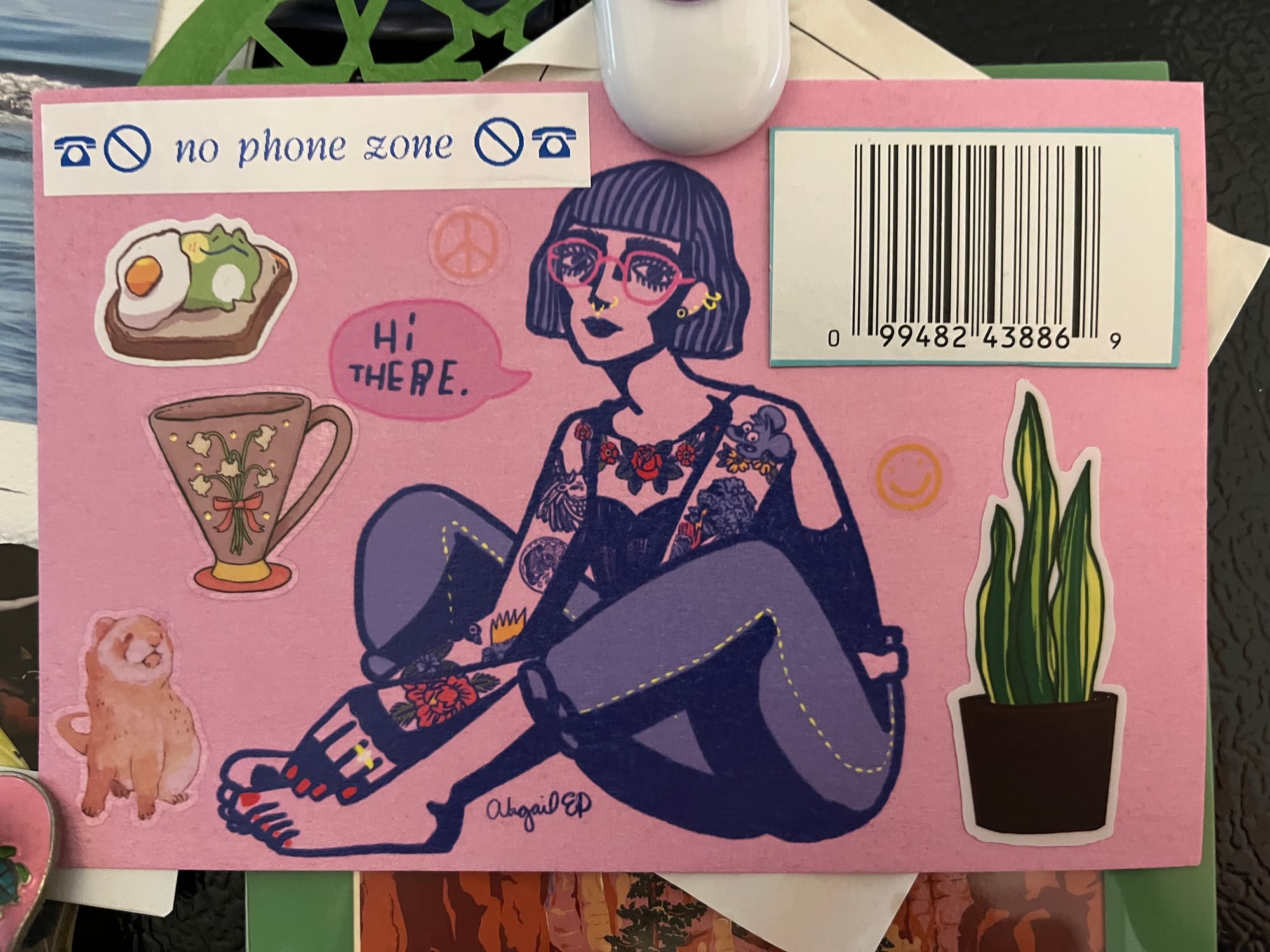
A friend recently taught me how to brick my phone without buying a little device for $50, and it finally let me block my email app on my phone. Entirely deleting it seemed like a step too far; making it inaccessible until I scan a barcode I cut off a cereal box and stuck to my fridge is just the right amount of work.
Not being able to check my email on the go...fucking rules. I have to sit down at the computer like it's 2010 and read my messages. I also blocked Slack and the websites I most like to doomscroll on, and I feel the annoying aura of a newly-enlightened person radiating out of my body.
Of course, no email is not going to work for everyone — fortunately I don't have to be checking in with my day job every time I get up to eat a snack or walk the dog — but if you've ever been curious about taking a break from being constantly accessible, take a chance and BRICK! THAT! PHONE!
Since I've been spending less time scrolling, I've been spending more time:
- cooking! (less phone time has fortunately coincided with a decrease in migraines/increase in energy)
- doing logic puzzles
- playing (like a LOT of) Hades II
- finally reading some books I've had sitting around for years
- writing newsletters & zines
- slowly but surely working on my quilt
- playing War of the Ring, the largest board game we own
- watching my silly reality tv shows
- learning how to darn socks
- literally sitting around doing nothing?
It's not lost on me that I'm telling you all about this via email, by the way. Email newsletters are the types of emails I most enjoy receiving! But I'm enjoying them even more when I can choose to sit down at my desk and focus on them for 20 minutes instead of reflexively opening Gmail every time I feel a little bit bored.
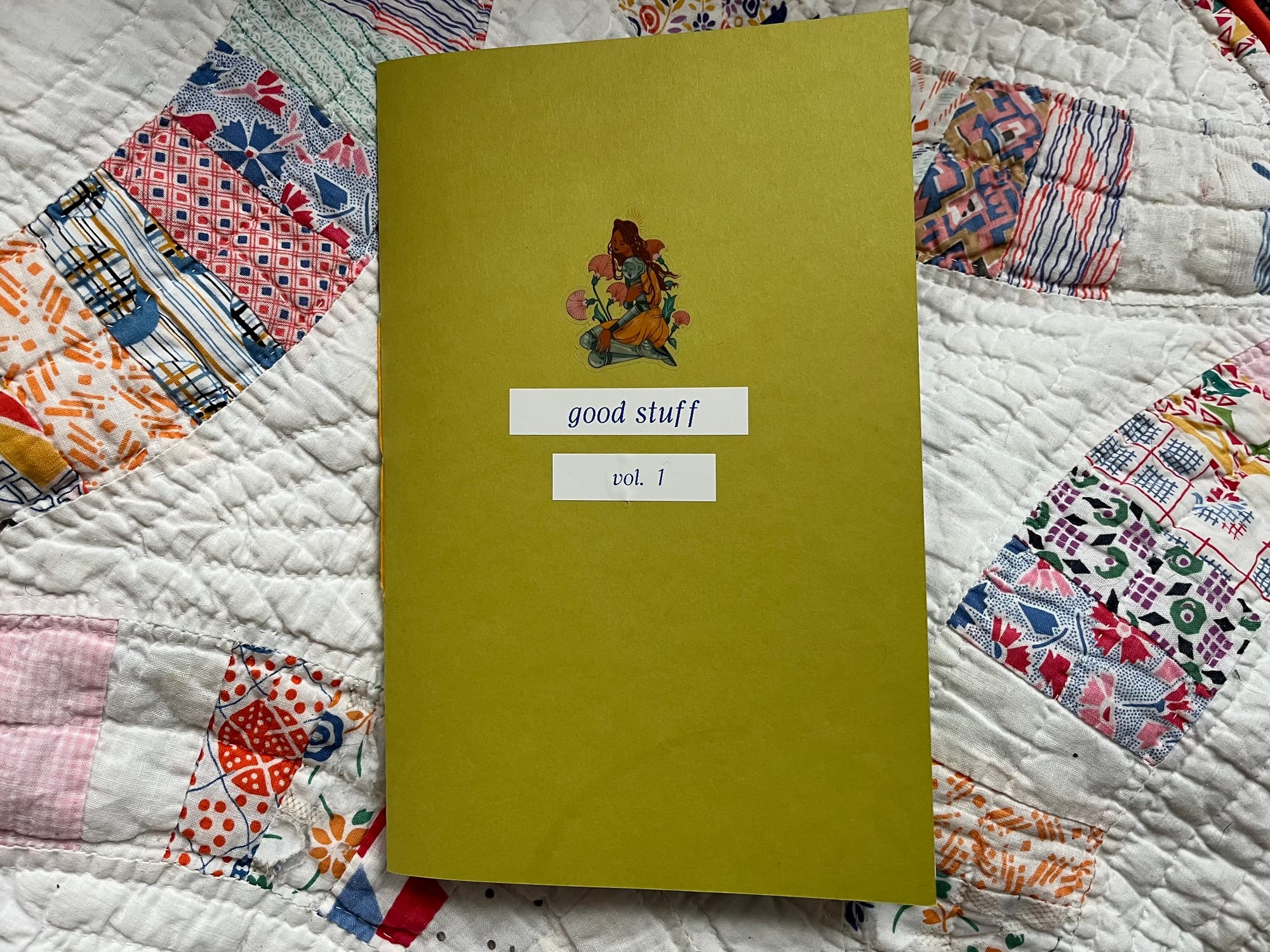
It occurred to me that it could be nice to collect up some of my favorite newsletters so I can reference them without going on the computer at all. And so, approximately ten minutes after I had that thought, I went into a trance-like state of deep focus and made this zine.
I'm not going to share my full file because it's full of other people's writing, but I will show you my process if you'd like to make a little internet zine of your own!
You Will Need
- Word, Pages, Docs, or another word processing/formatting software
- a collection of newsletters or blog posts you like
- Spectrolite, a free app for artist-publishers
- a printer & regular printing paper
- cardstock for the cover (optional but nice)
- a bone folder (optional but nice)
- a stapler or bookbinding supplies
Step 1: Collect Your Chapters
Set up your document. If you'd like to use my formatting, I've made a template you can copy, but design your zine however you like! You'll want to make the pages statement/digest/half-letter size, 8.5 by 5.5 inches.
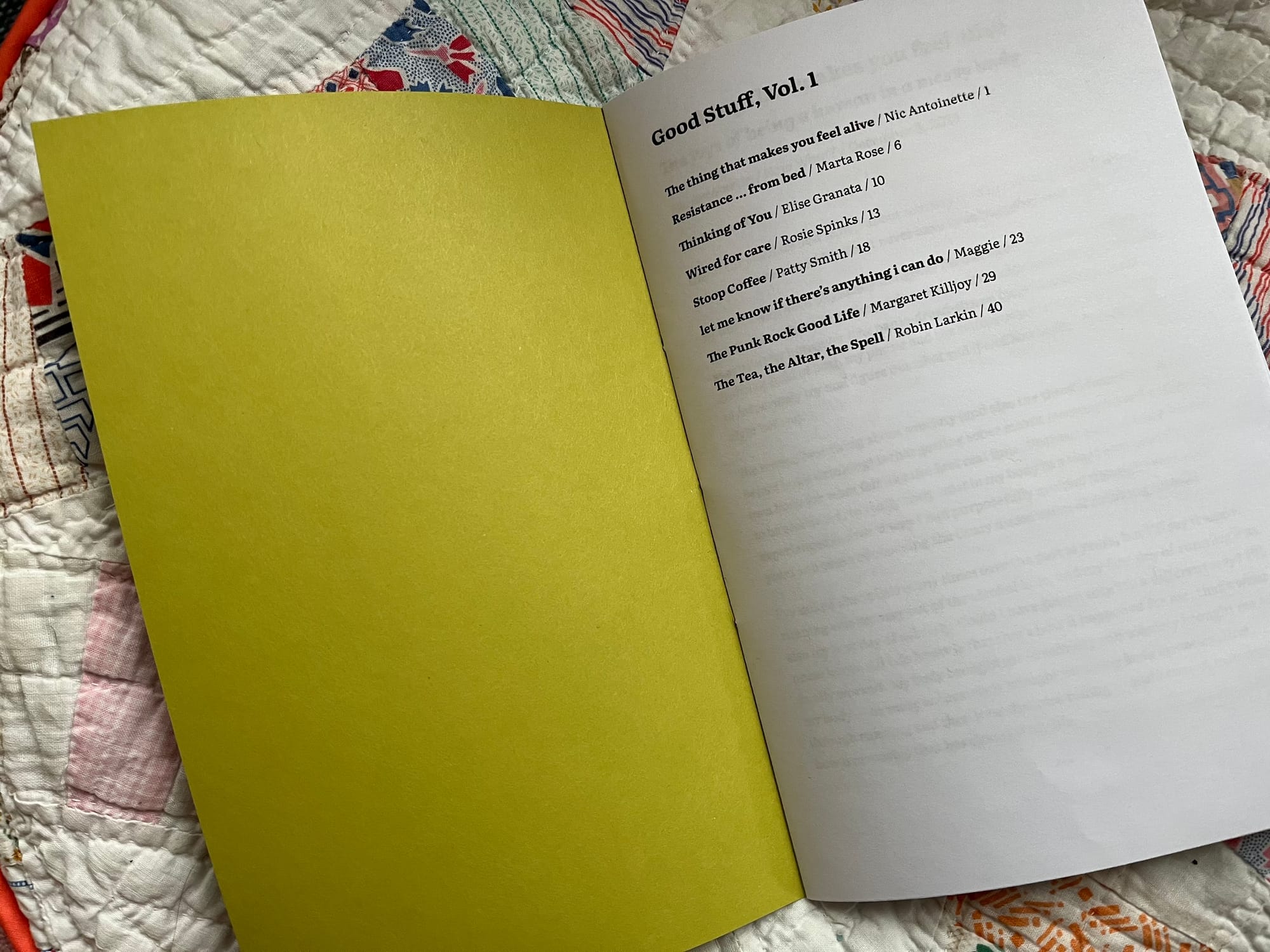
Add in your newsletters and reformat them for readability/consistency. Mine got long enough that I wanted to add page numbers and a table of contents. Because you'll be printing this out, your final page number should be a multiple of 4. (If you have a different number and don't feel like fussing with it, however, Spectrolite will add blank pages for you later.)
I've been thinking a lot lately about mutual aid, community care, and what makes a good life. I went through my saved emails and bookmarks to find pieces I really enjoyed, and included these newsletters in my zine:
- The thing that makes you feel alive by Nic Anoinette
- Resistance ... from bed by The Spiral Lab Collective
- Thinking of You by Elise Granata
- Wired for care by Rosie Spinks
- Stoop Coffee by Patty Smith
- let me know if there's anything i can do by Maggie
- The Punk Rock Good Life by Margaret Killjoy
- The Tea, The Altar, The Spell by Robin Larkin
With a table of contents page and one blank page right after, it came out to 44 pages exactly!
Step 2: Format for Print
Your document is currently laid out in single pages, but to print it out at home, we're going to have to fit four pages to a sheet of paper. I used to do this manually, a process that involved a lot of counting backwards and putting pages in the wrong order, but Spectrolite can do this for you in like 3 seconds!
Download your document as a PDF. Open Spectrolite, and navigate to the Layouts tab. Set your sheet size to Letter, and select Half Letter Portrait Zine. Then, upload your PDF, and it'll reformat it for printing!
(If you'd like more comprehensive instructions for making a zine in Spectrolite, the creative studio that designed it has a free zine to teach you just that! Zines on zines on zines.)
Step 3: Print & Bind
Download this new PDF from Spectrolite and print it out. Choose double-sided printing on default/long edge, not short edge! (Short edge will make some of your pages come out upside down.)
Now you'll have a big stack of paper to fold in half. The easiest way to fold documents is with a bone folder; if you fold more than one piece of paper a year, it's worth getting one. Make sure you fold your pages in the right direction, so that page 1 is facing up.
Stick your pages together in the right order and it should basically look like a book! I added a plain cardstock cover that I decorated with a sticker and my label maker because my printer doesn't handle cardstock that well. If your printer is stronger, you could design and print out a cover.
I have bookbinding supplies on hand (did you know my indie press sells beautiful handmade chapbooks?) so I sewed my zine up with a quick saddle stitch, but you can also just staple everything together.
You Did It!
Now you can read your favorite newsletters whenever you want from the comfort of not-your-phone!
If you make your own zine with this guide, please show me! I'd love to see what you're reading and making.
Community Corner
If you're in the US like I am, your thoughts have probably also been preoccupied with the horrors of state violence. I am imperfectly trying to channel my anger and fear into action, and I've found these links helpful:
- Stand with Minnesota: funding links, testimonies, messages, and actions
- get organized now: a roundup of reporting on Minnesota
- Chop Wood, Carry Water: daily actions to take (mainly calling reps)
- Quilt raffle for a Palestinian family
I do strongly believe in building strong relationships in our local communities to build resilience, not only respond to emergencies, so as always, I recommending finding your local mutual aid networks, Food Not Bombs chapters, rapid response teams, Signal chats, and more.
Wishing you wellness and warmth in dark and cold times! Comment or respond to this email if you'd like to chat more — I'll see it (just maybe not right away).